

Connecting your Stripe payment processor to Squarespace
To sell anything and accept donations on Squarespace, you’ll need to connect a payment processor.
Oct 08, 2026●
1
Navigate to https://account.squarespace.com/ You'll be asked to login.
2
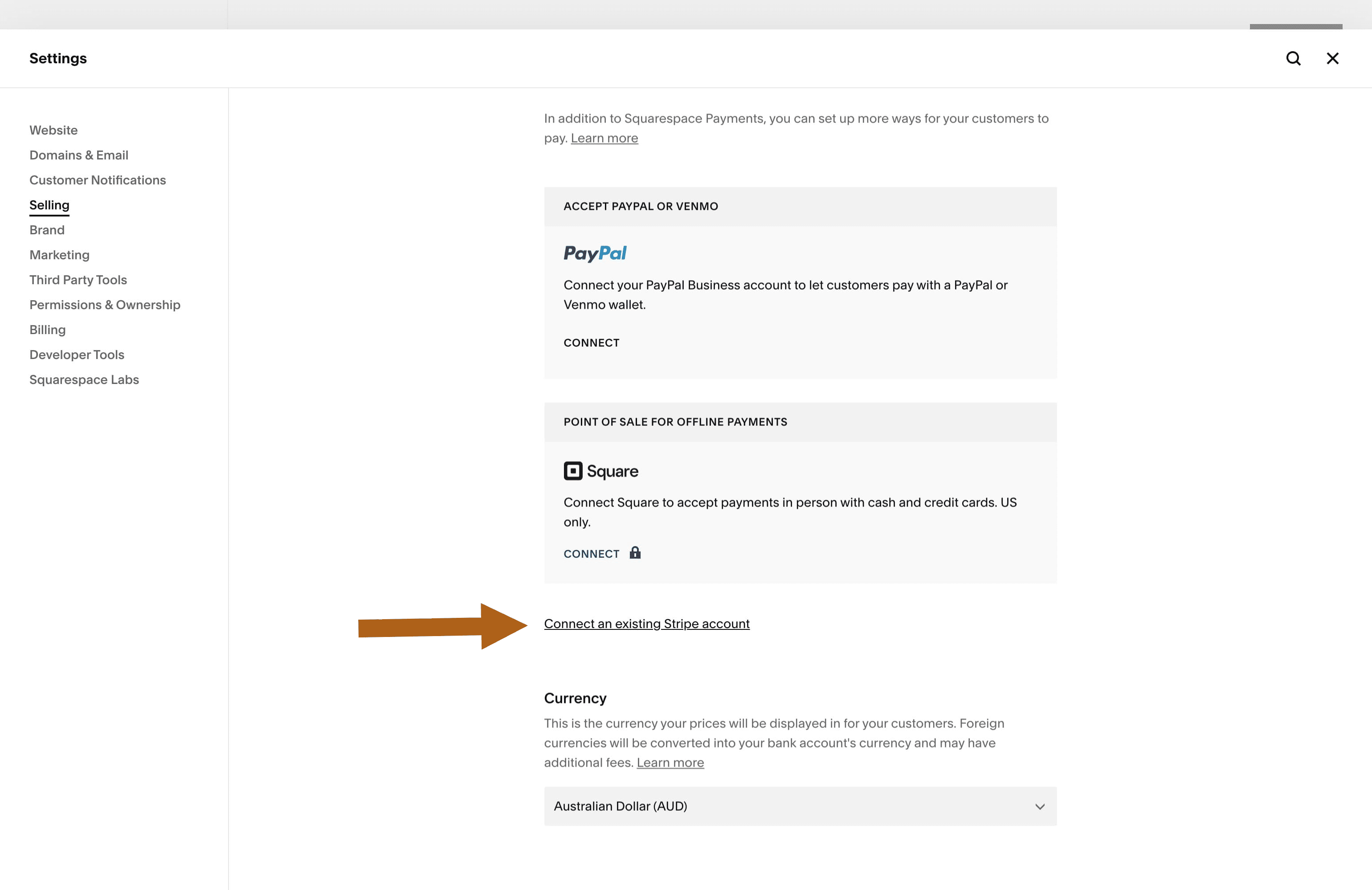
Scroll down the page a little and click on "Connect an existing Stripe account"
3
A pop-up window will open. Enter your existing Stripe email address and password then follow the prompts.

It should only take a couple of minutes to set up. If you have any trouble, the Squarespace help center has a guide on using Stripe for payments. Take a look here.
Not finding what you are looking for?
Reach out to our support team