

Updating Your Billing Details in Squarespace
Follow these steps to update your billing information in Squarespace. This ensures your account is billed directly to you, rather than through your designer.
May 28, 2026●
1
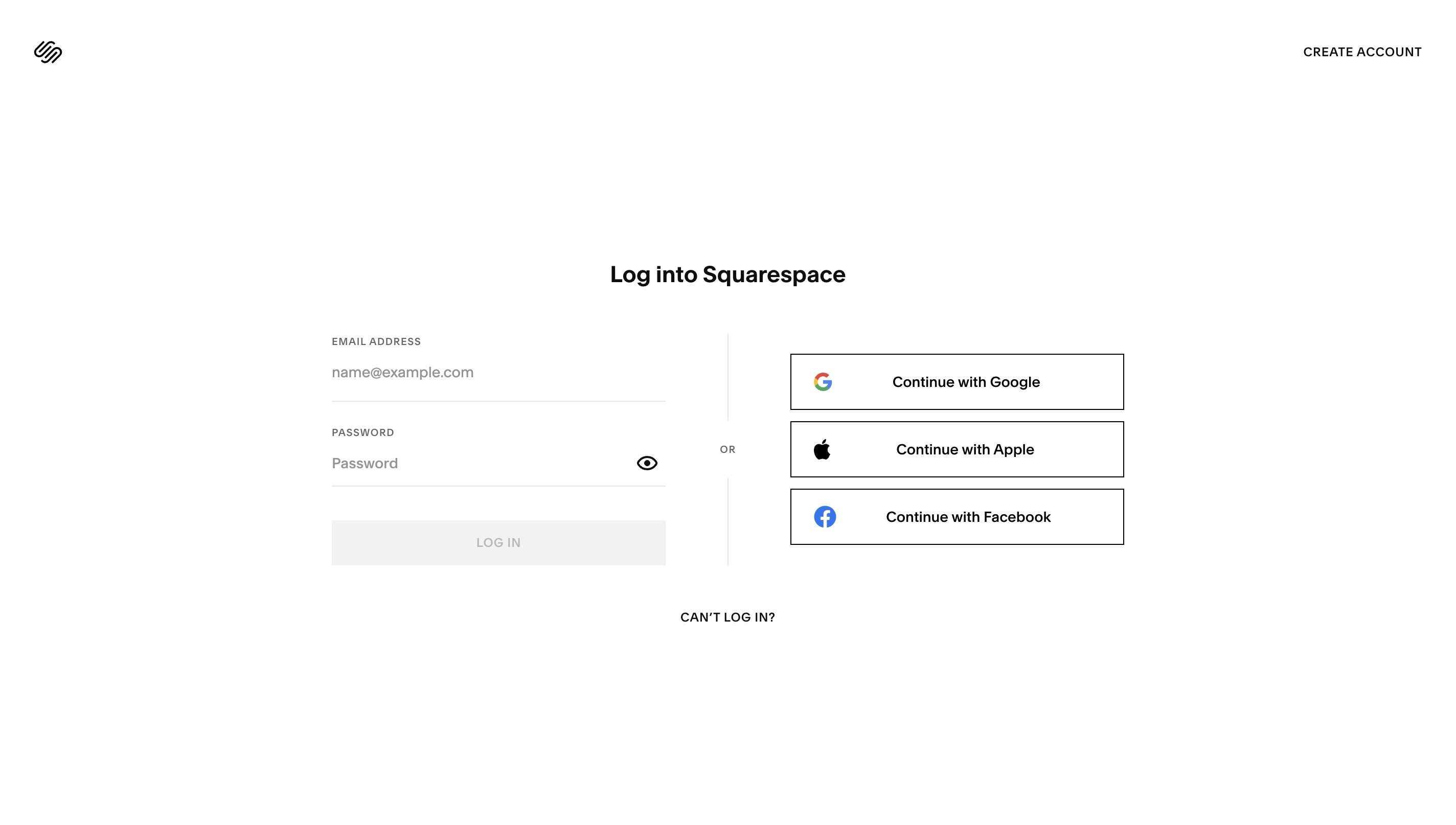
Navigate to https://login.squarespace.com
2
Enter your email address and password to login.
3
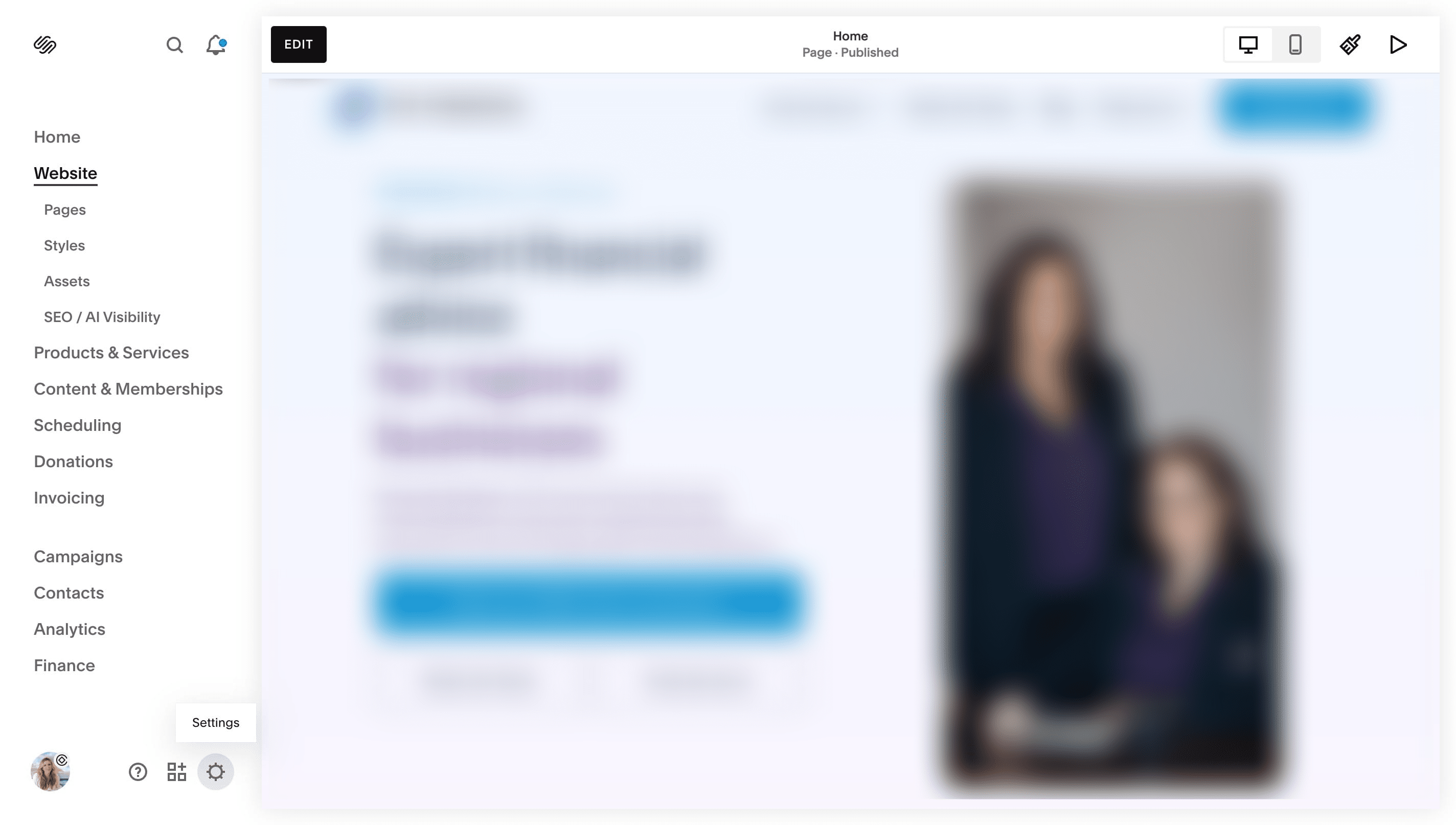
You should now be in your Squarespace dashboard. Your website will be shown as a thumbnail image on this screen. Click on the thumbnail.
4
Click the gear icon to access your settings.
5
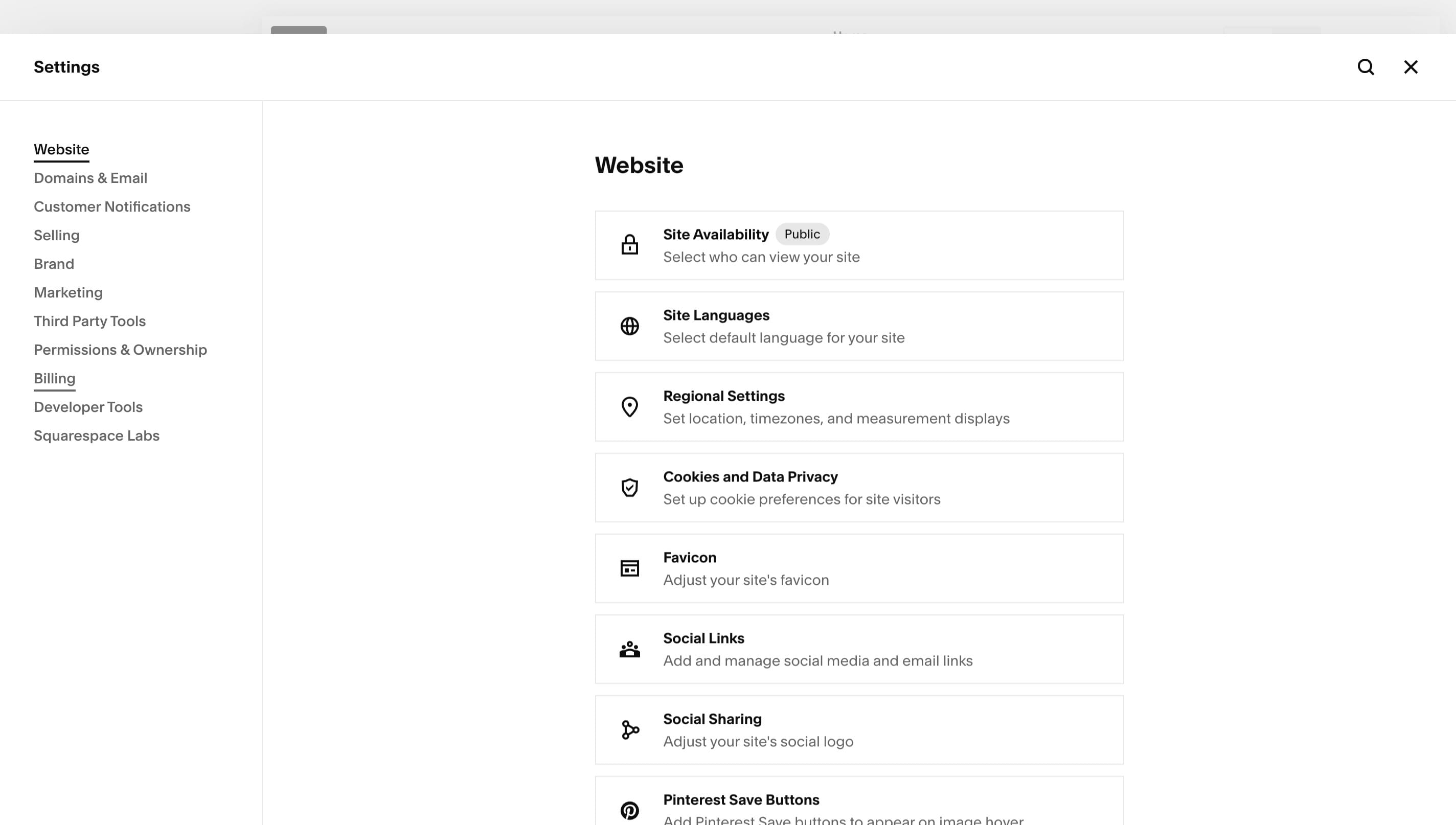
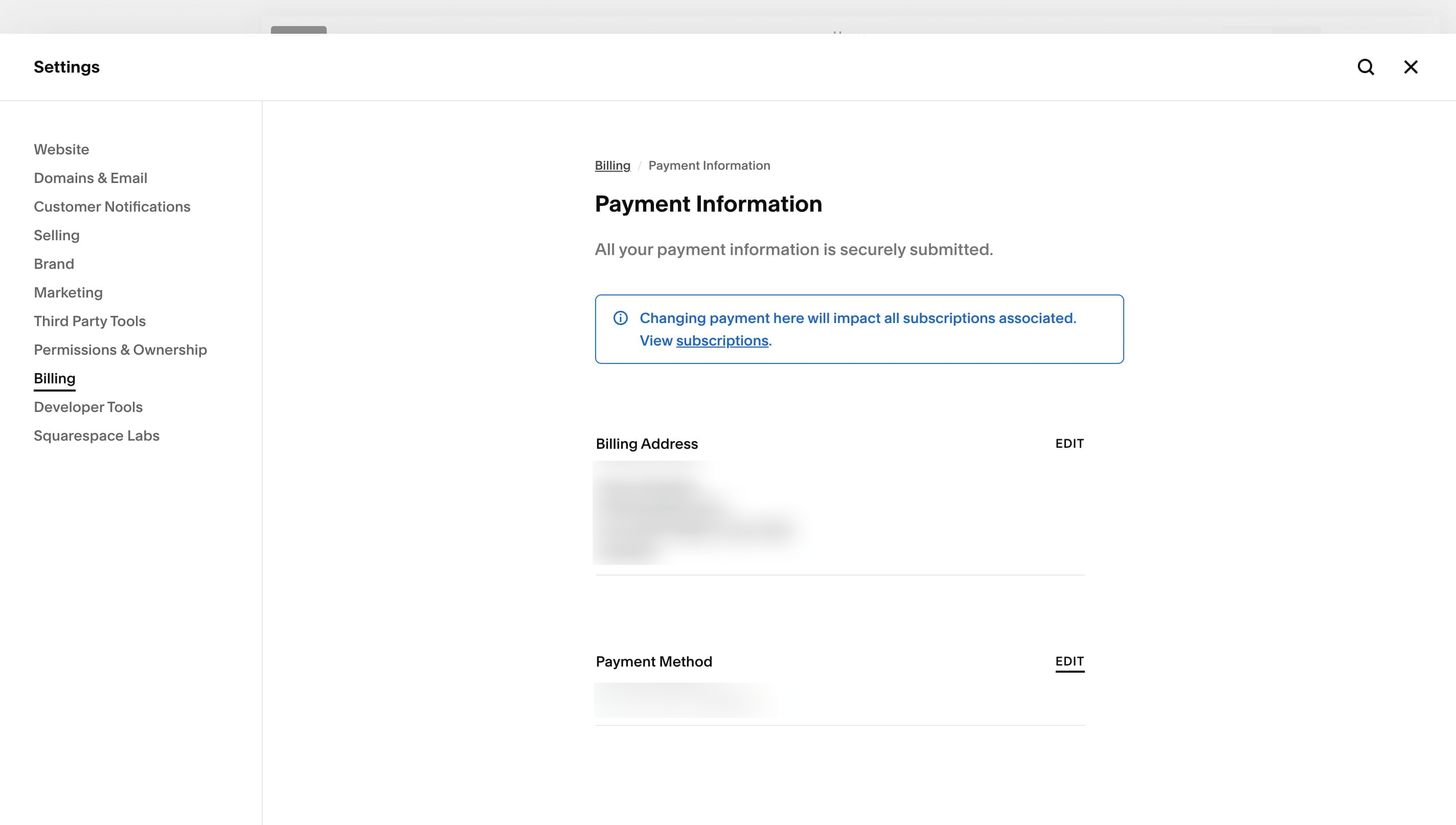
Click on "Billing"
6
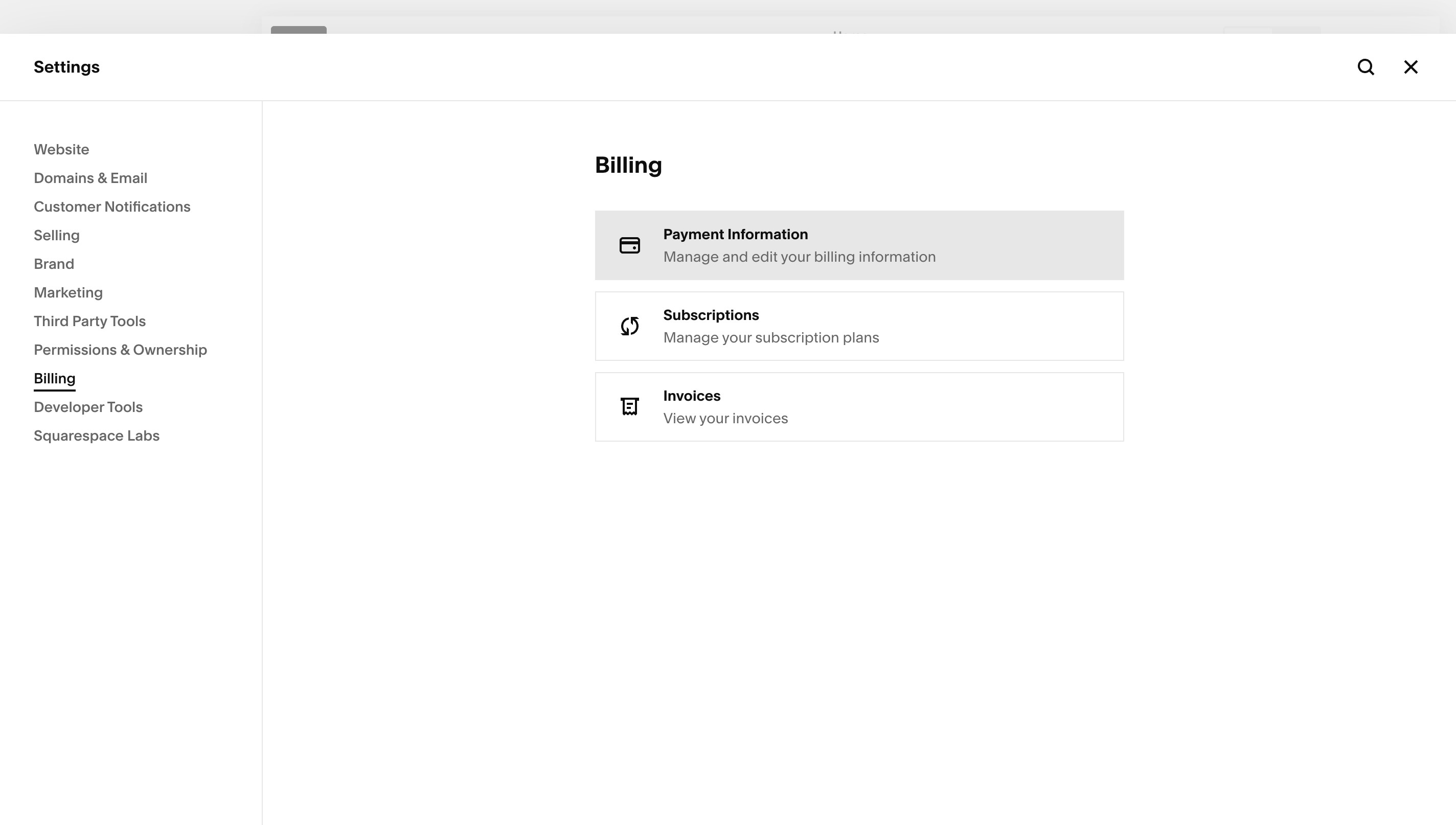
Click on "Payment Information"
7
Click on "Edit" and update your billing address and payment method. Save and done.
TIP: If you need help at any point, the Squarespace 24/7 support team is available from the question mark icon in your dashboard.
Not finding what you are looking for?
Reach out to our support team