

Accepting Your Squarespace Invite + Publishing Your Website
This guide walks you through accepting your Squarespace invitation and activating your website plan so your new site can be published live.
Open your Squarespace invitation email and click 'Accept Invitation'.
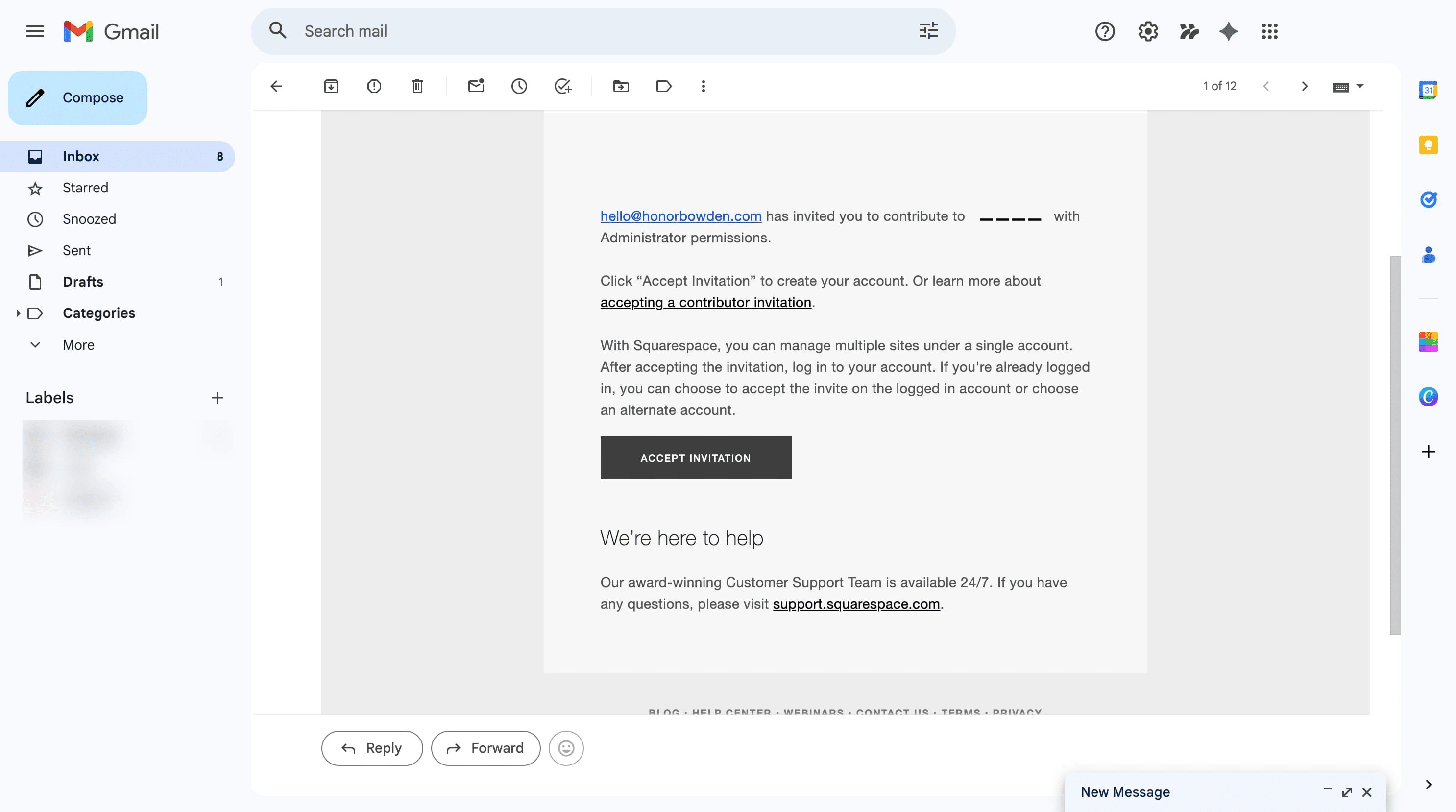
Create your Squarespace account using your preferred email address, Google, Apple, or another sign-in option.
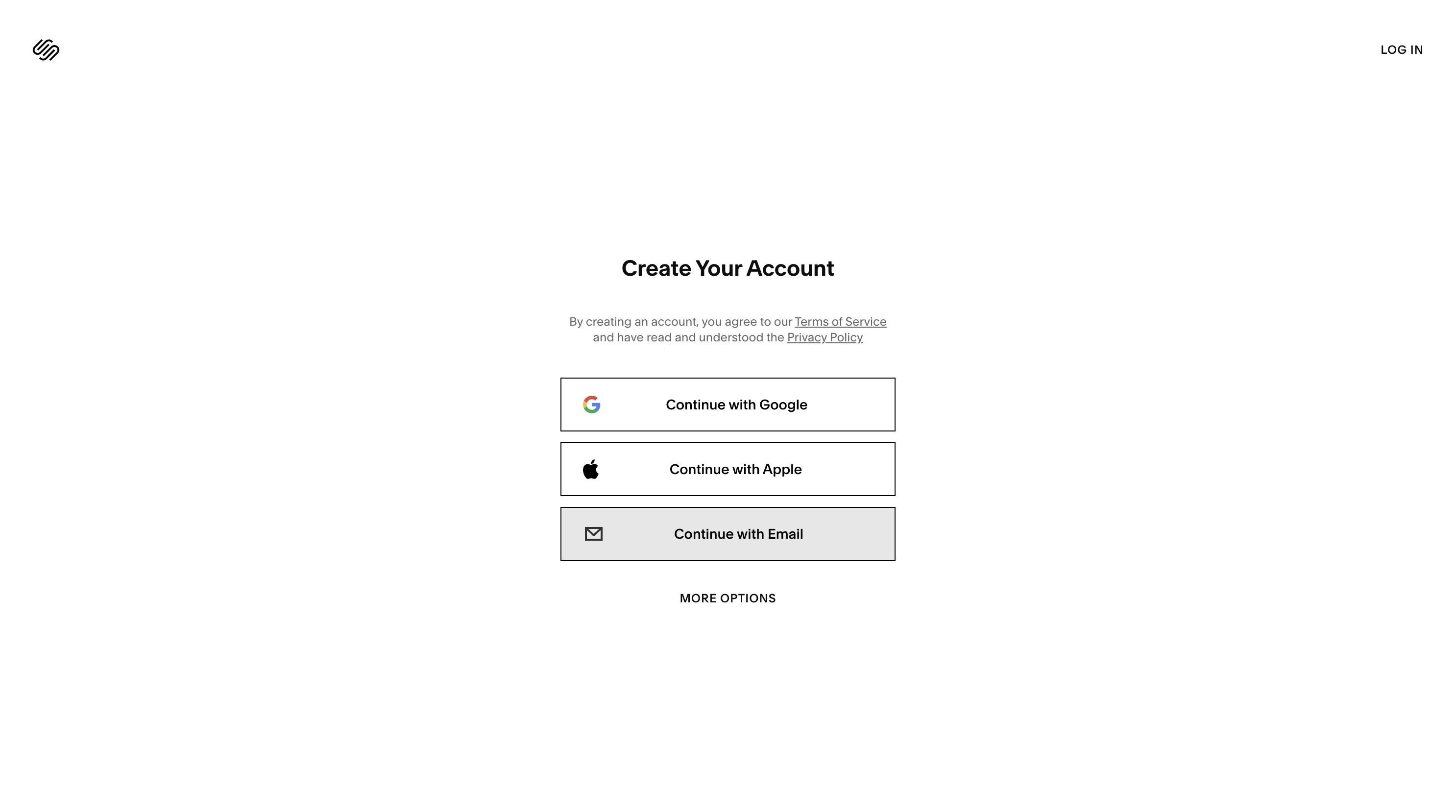
Enter your details
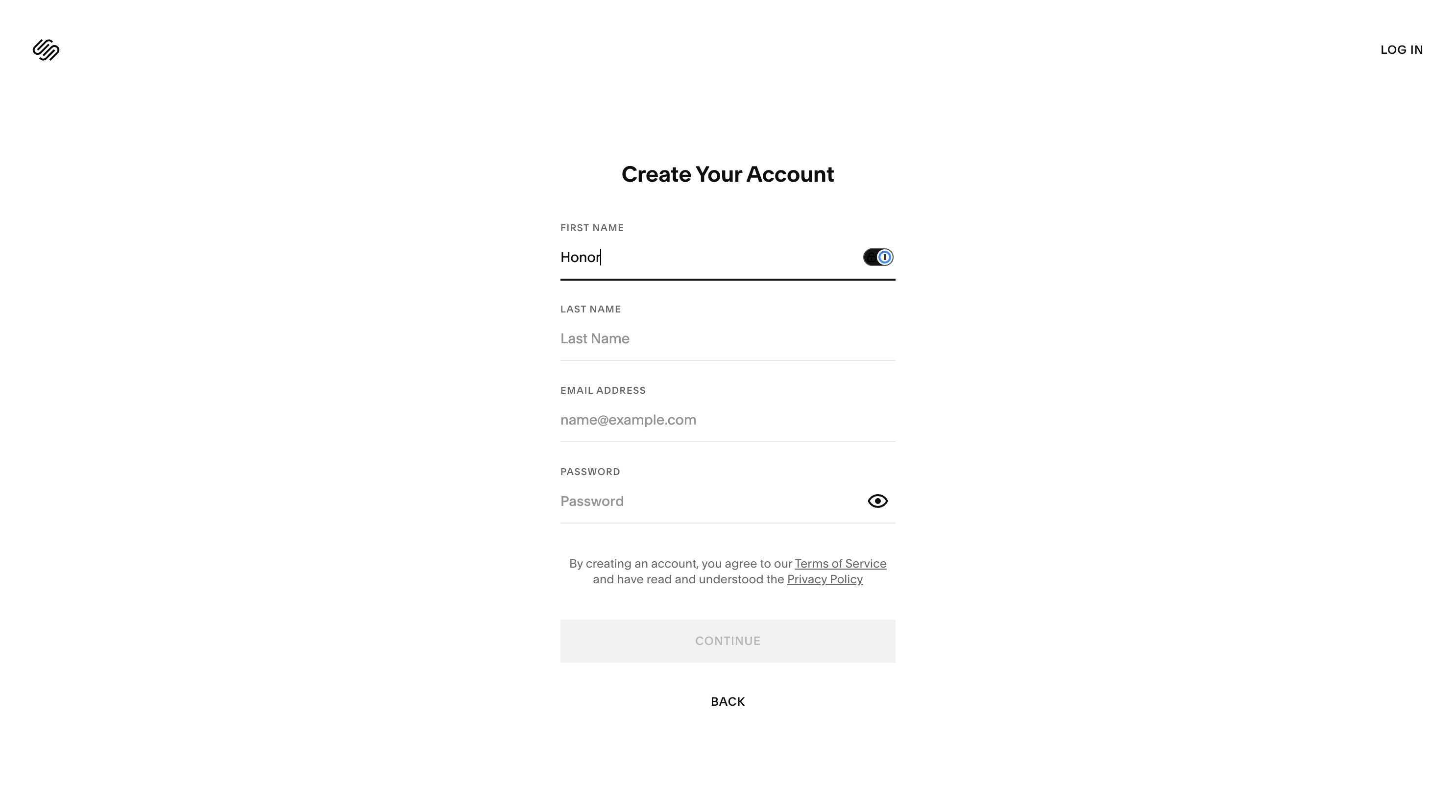
→ You should now land on your Squarespace dashboard. If your website is ready to go live, you can continue to the next steps to add your payment details and activate your site plan.
Activating your Site Plan
Click 'Publish your site'.
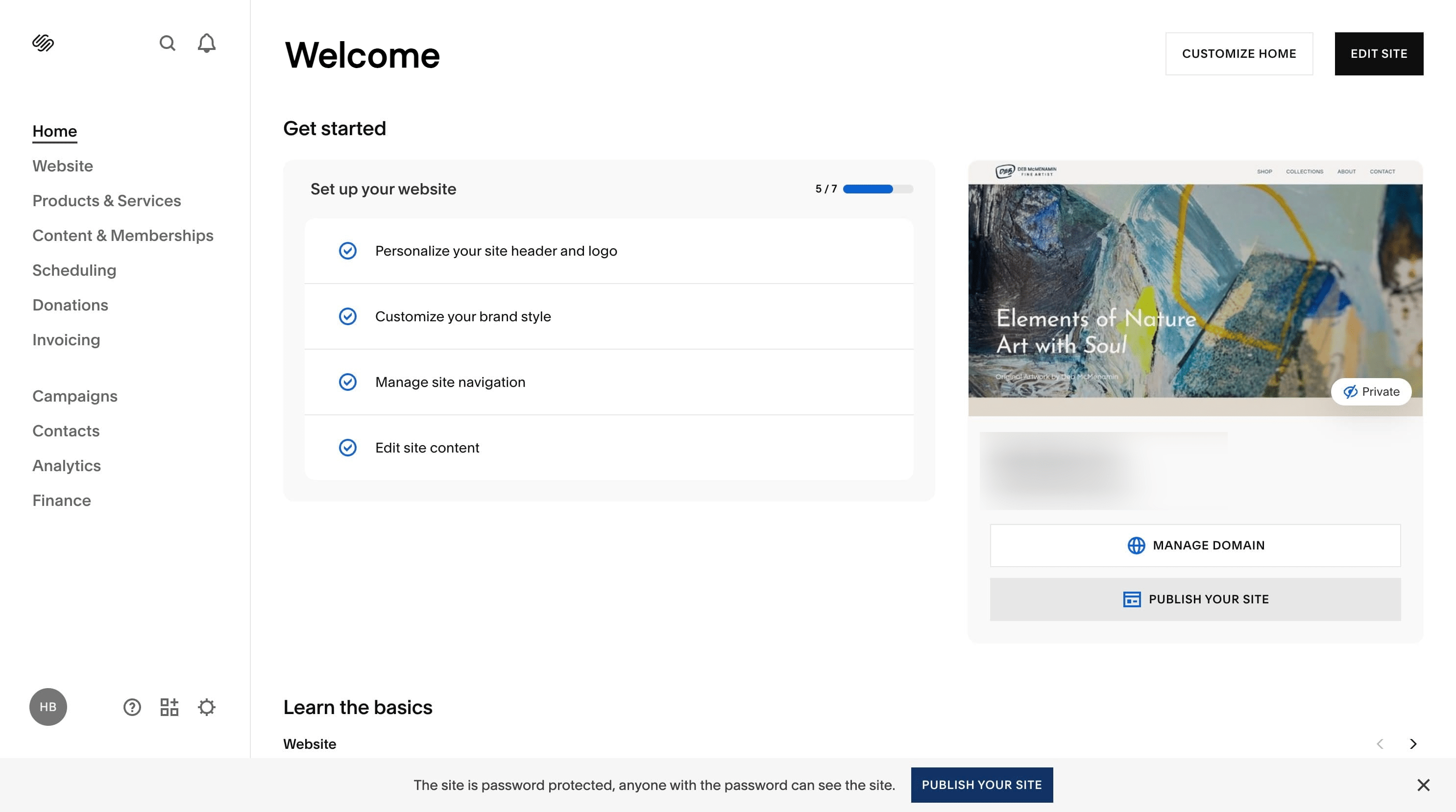
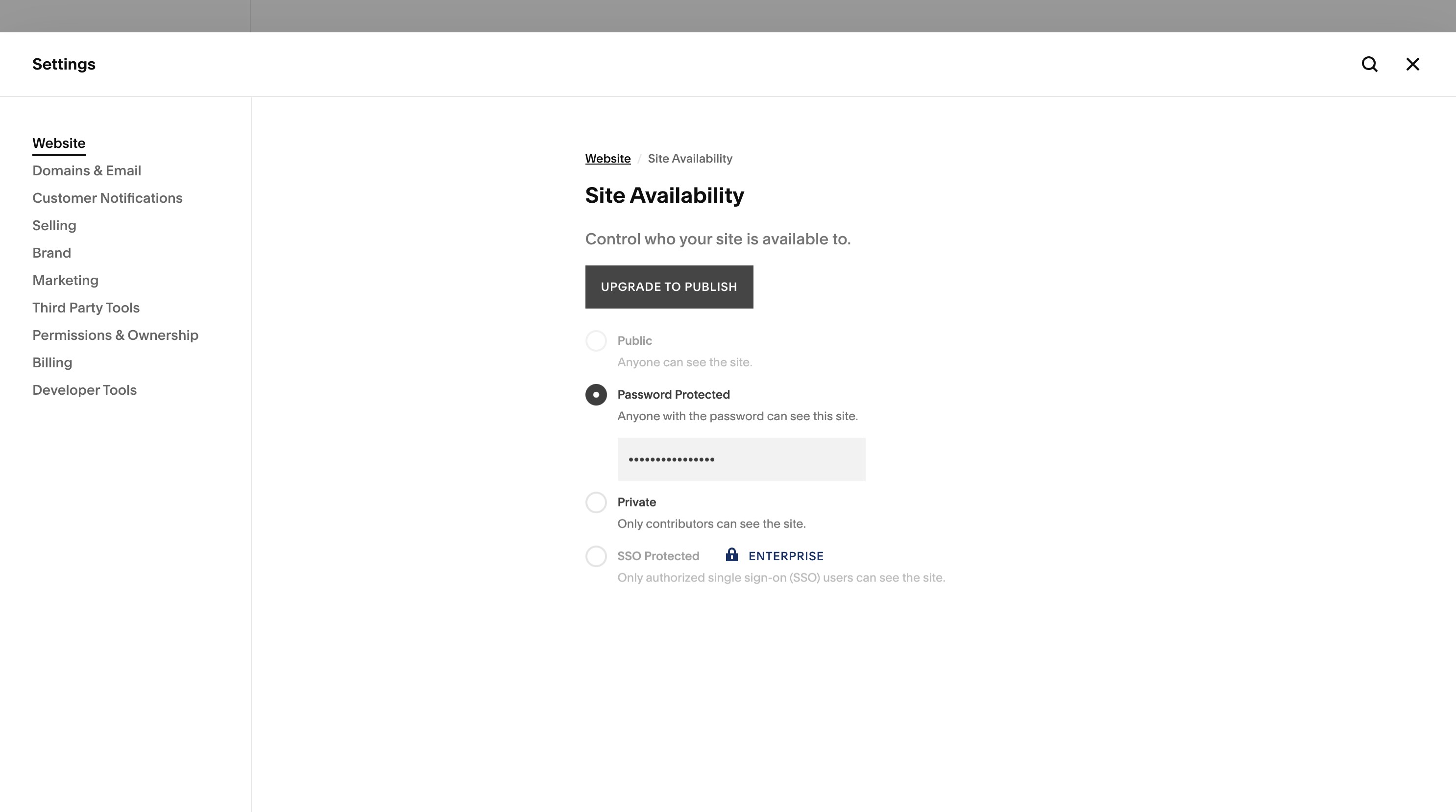
Click 'Upgrade to Publish'.
I recommend the 'Core Plan' for most websites, as it includes everything you need without paying for features you don’t.
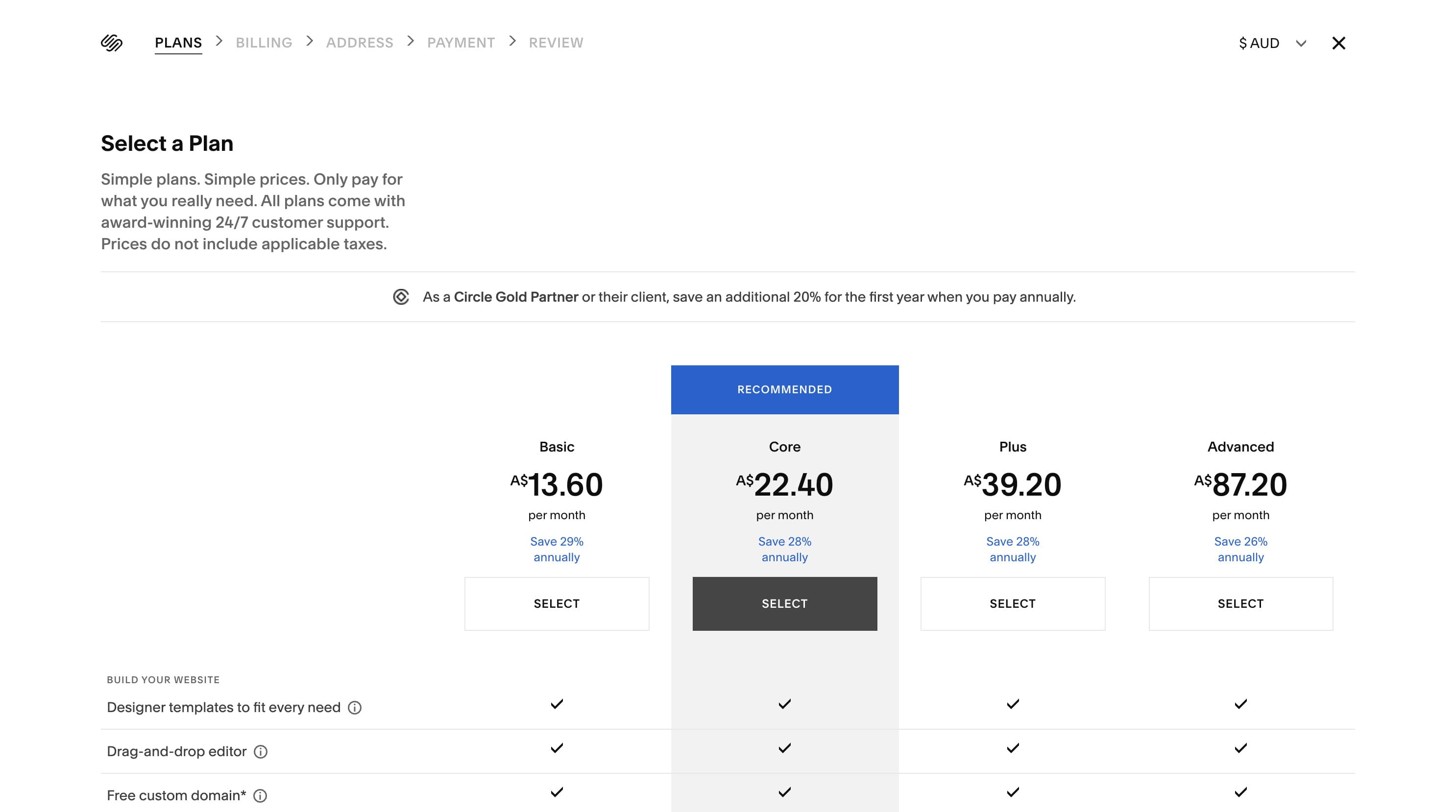
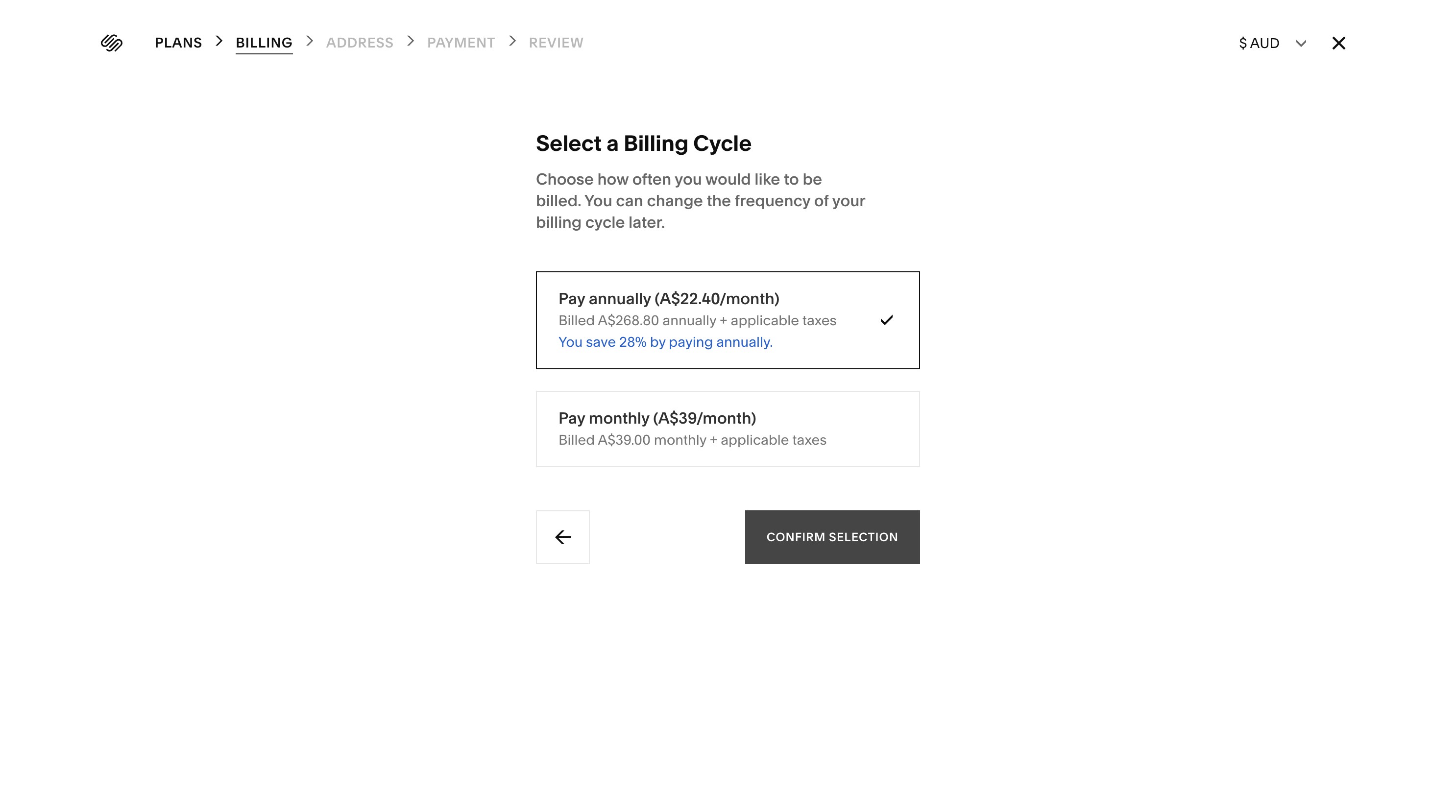
TIP: Choosing the annual payment option usually gives you the best value, as your 20% discount is applied to your first website plan payment.
Click 'Confirm Selection'.
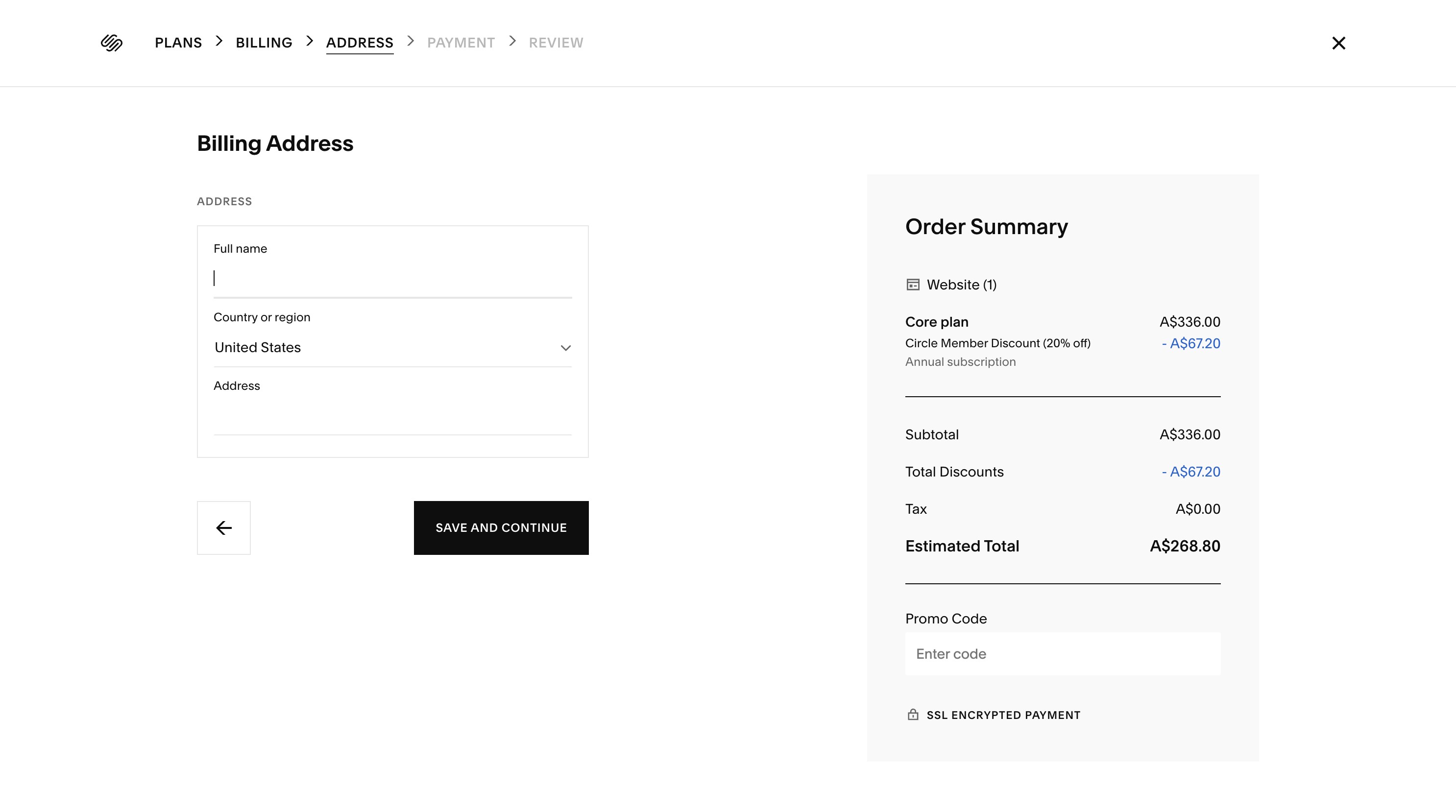
Enter your billing details, click 'Save and Continue', and complete checkout. Once your site plan is active, your website can be published live.
Can't see the website? Make sure you accepted the invitation using the same email address the invite was sent to. If you’re logged into a different Squarespace account, log out and try the invitation link again.